















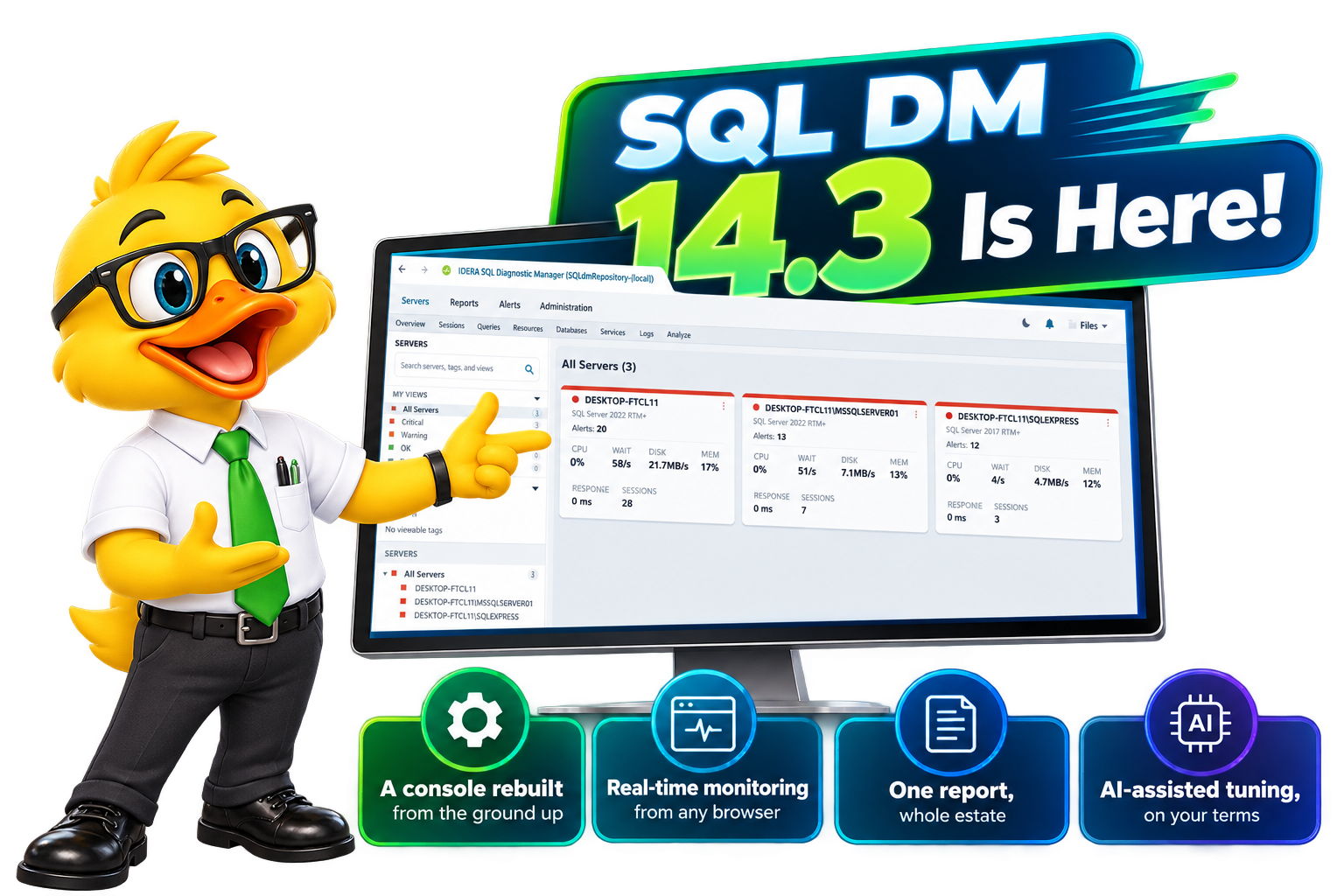
Now Available: SQL Diagnostic Manager 14.3
A Closer Look at SQL Diagnostic Manager 14.3
Proven Depth, Reimagined Experience
For more than two decades, DBAs have trusted SQL Diagnostic Manager to reveal what’s happening inside SQL Server — on-prem, hybrid, or cloud. We recently added AI-powered query and index optimization to that workflow. Now, 14.3 brings a modernized experience across the console, reports, and web — without losing the depth you rely on.
Same platform. Same answers. A faster path to them.
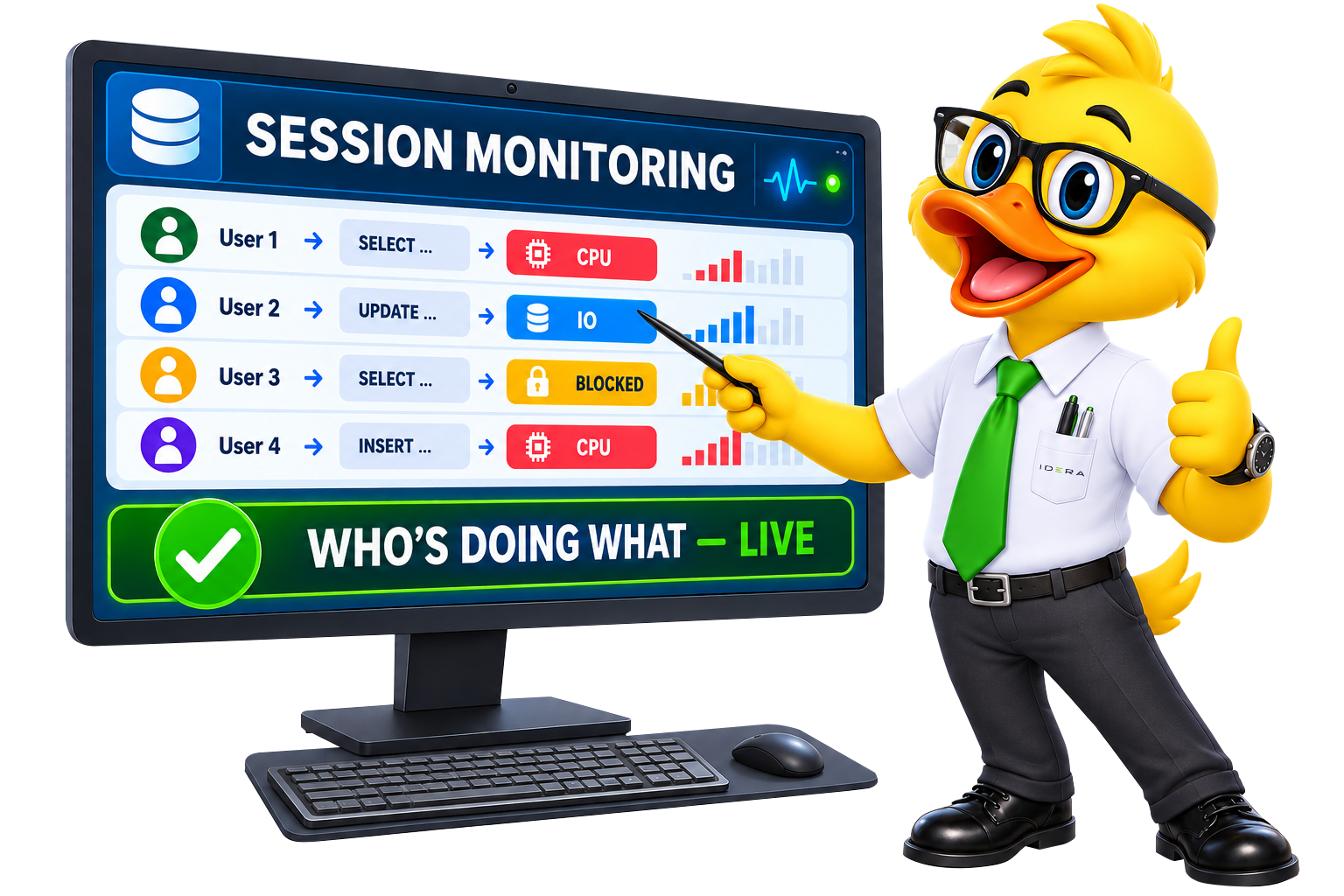
LIVE WEBINAR
See What’s New in SQL DM 14.3
Join our live walkthrough of 14.3.
What’s New in SQL Diagnostic Manager 14.3
01
Modernization
A Modern Console on Familiar Ground
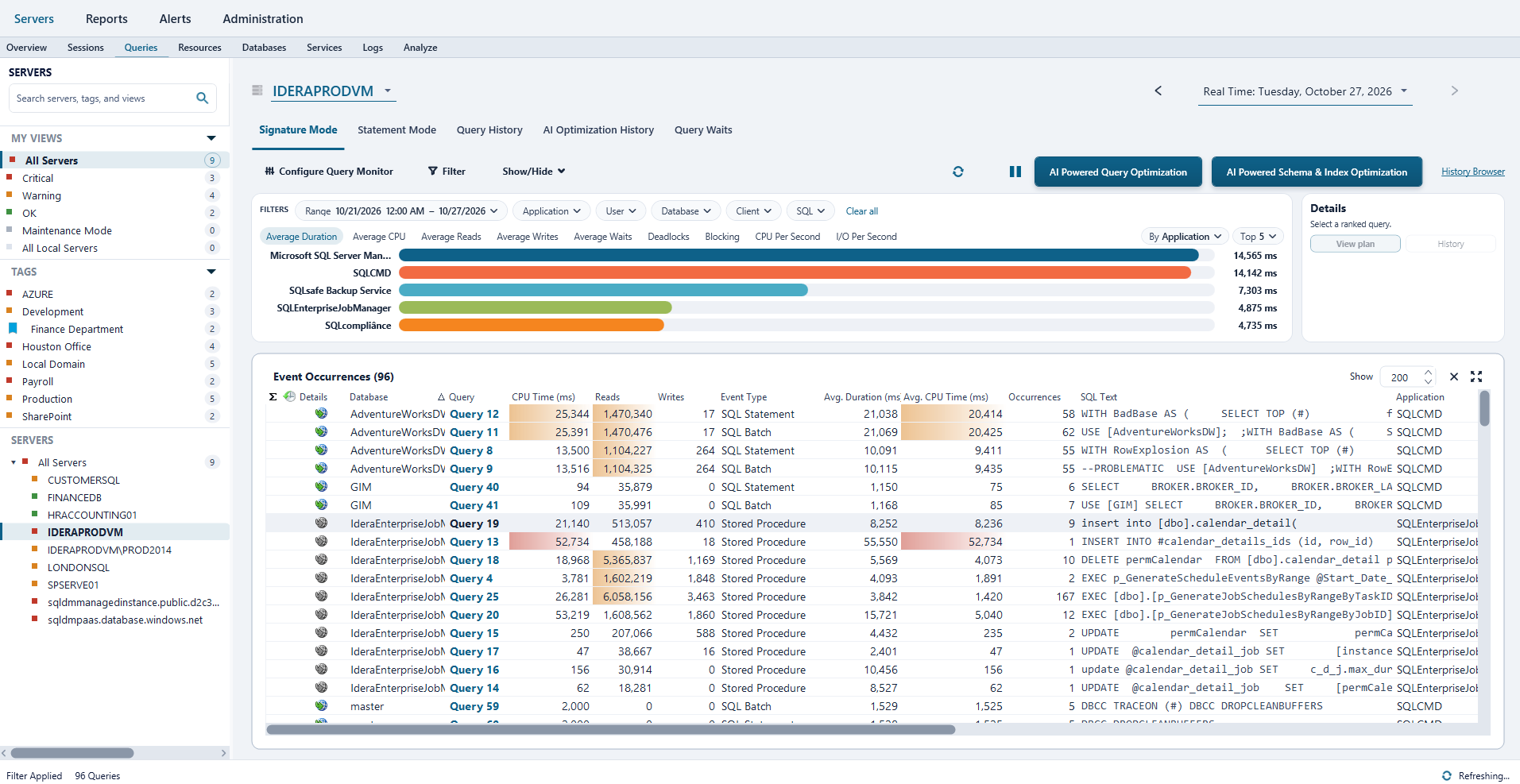
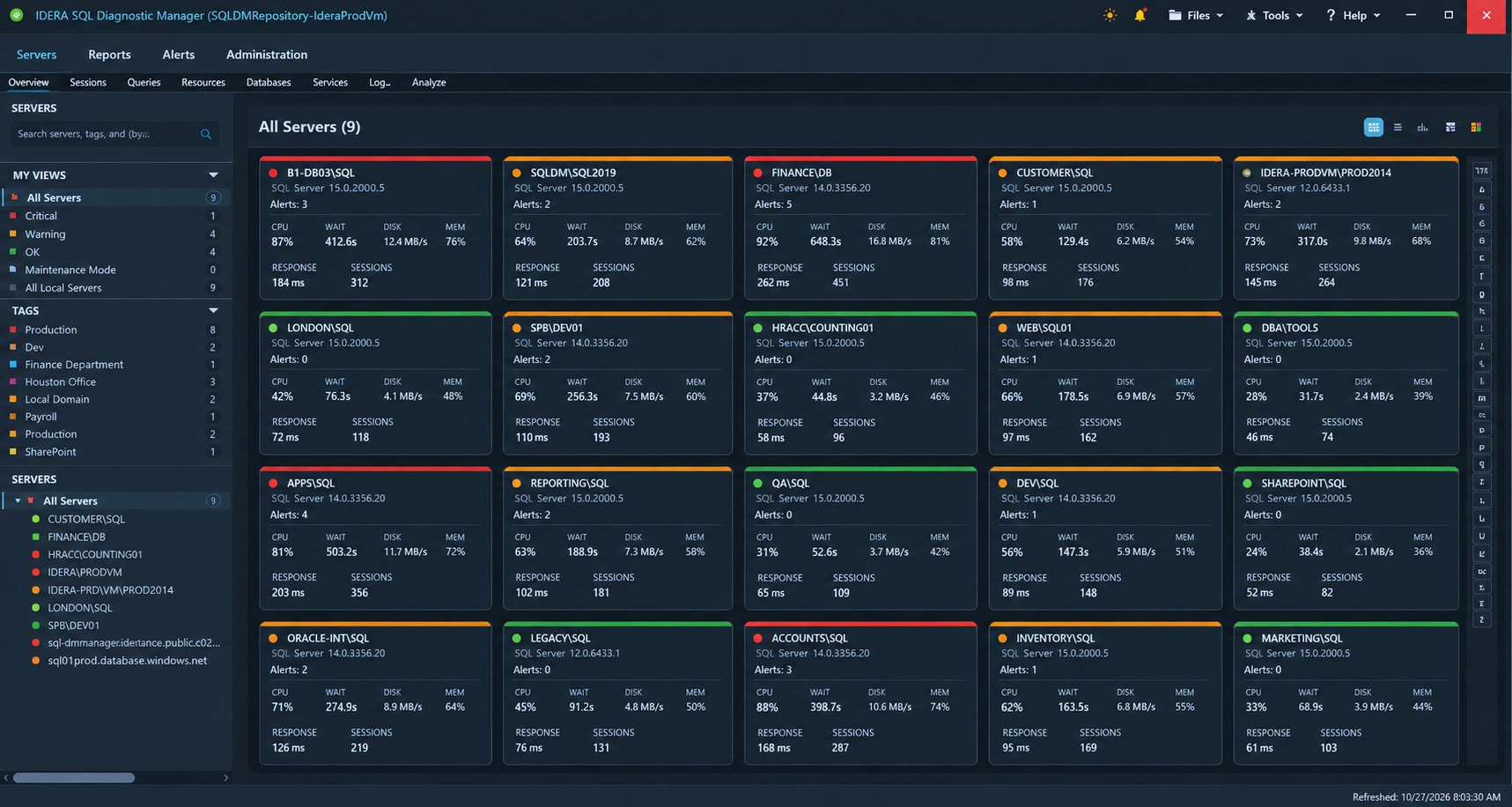
The areas DBAs live in every day have been rebuilt for clarity: server and fleet management, Server Overview, sessions and blocking, Query Monitor, server resources, database monitoring, services and logs, and the configuration dialogs that support them.
Query Monitor gets particular attention. Key performance information is consolidated and easier to scan, so identifying a problem query takes less searching and less manual correlation across screens.
The updated dark theme brings a cleaner, gray-based palette that holds up through a long shift in a dim NOC.
This is a modernization, not a re-platform. Every capability you rely on is still where you expect it; it’s just easier to read, easier to scan, and easier to move through.
Included: All Servers views · server groups and tags · heat map · Server Overview, Details, Configuration, Active Alerts and Timeline · Session Summary, Details, Locks and Blocking · Query Monitor, Statement Mode, Query History, AI Optimization History and Query Waits · CPU, Memory, Disk, File Activity, Procedure Cache and Server Waits · Availability Groups, TempDB, Files, Backup & Restore, Tables & Indexes and Mirroring · SQL Agent Jobs, Replication, Logs and Analysis · server onboarding, alert configuration, baselines and maintenance mode
02
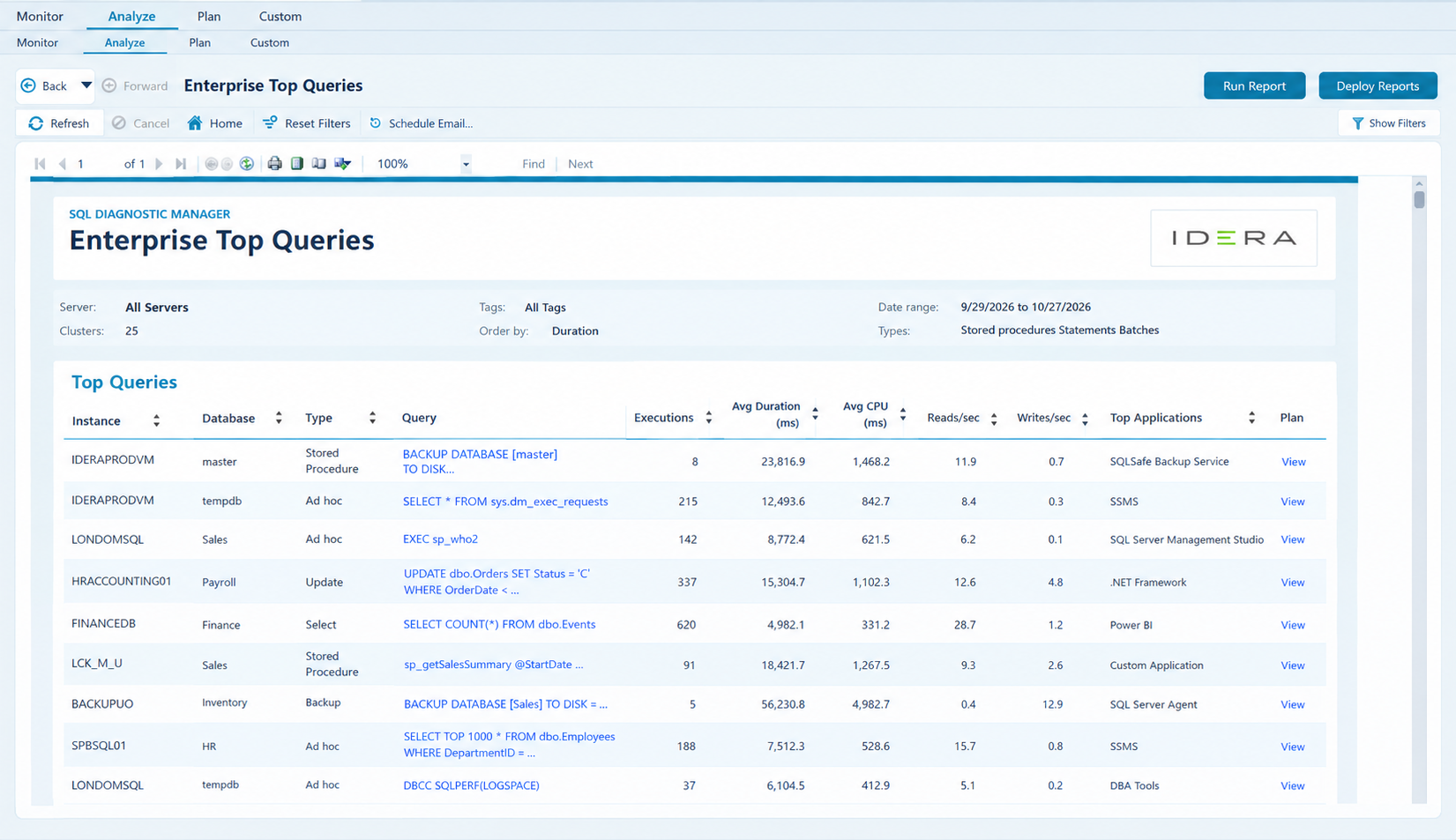
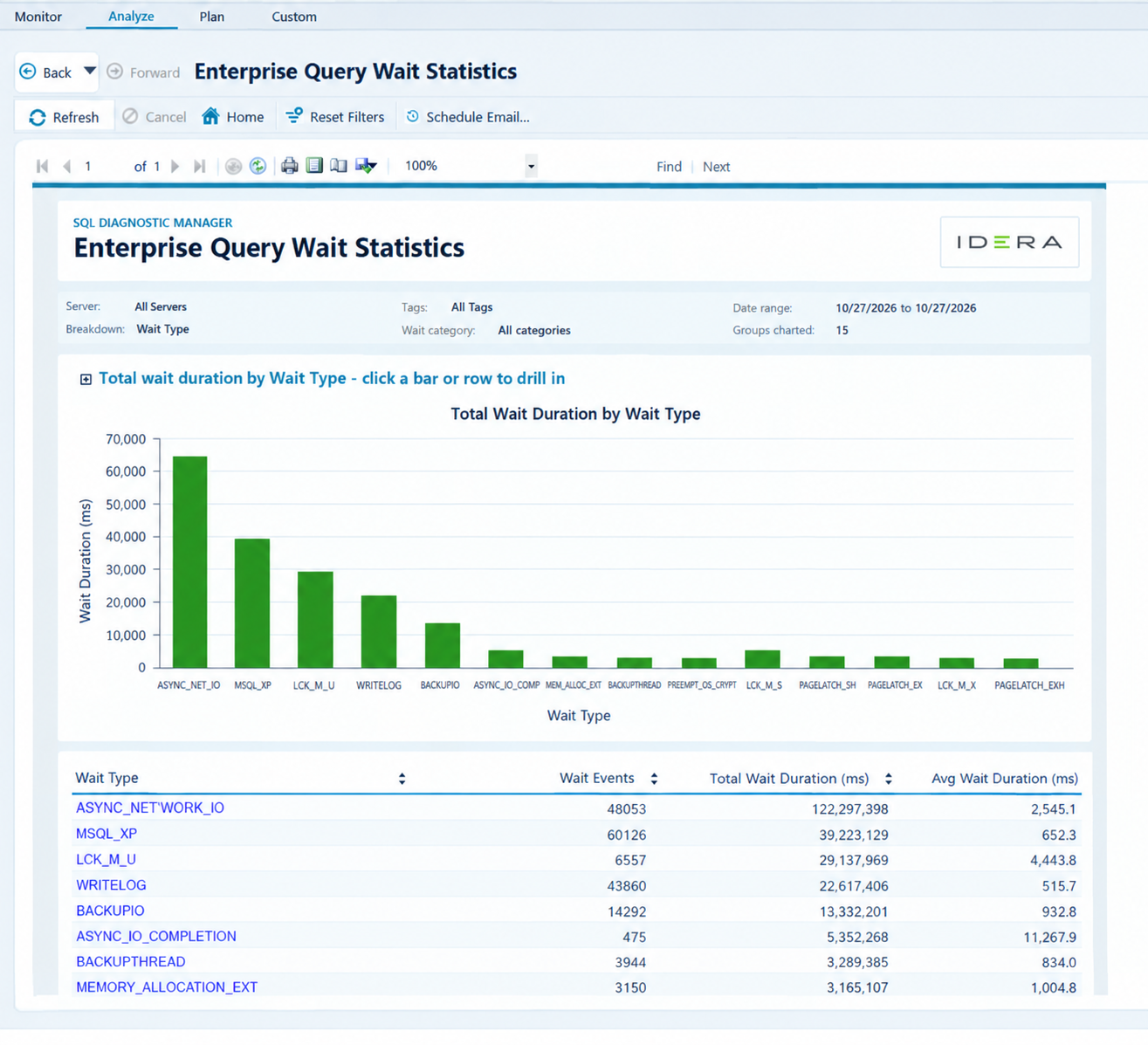
Answer Environment-Wide Questions Without Going Server by Server
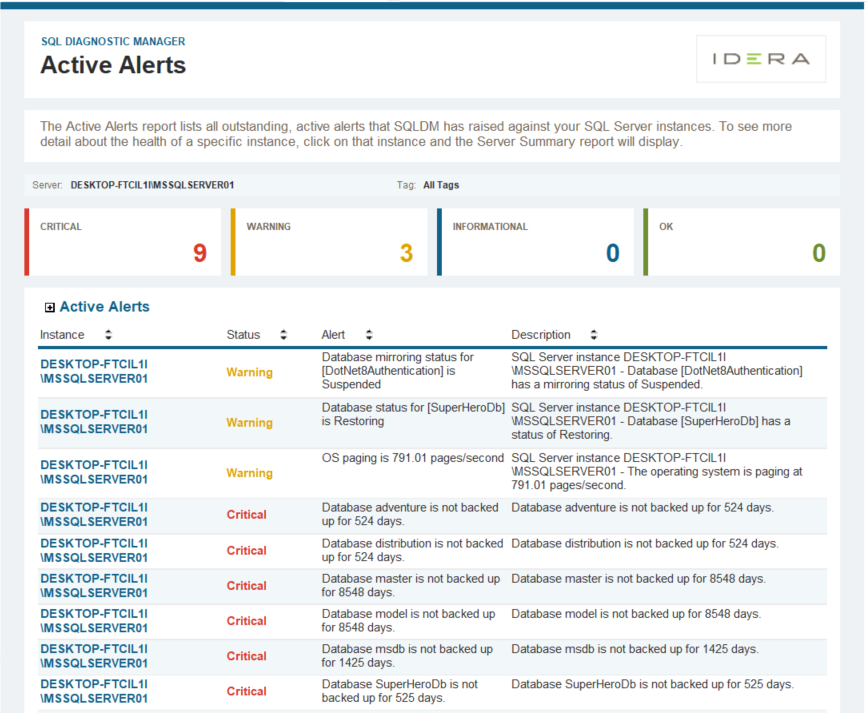
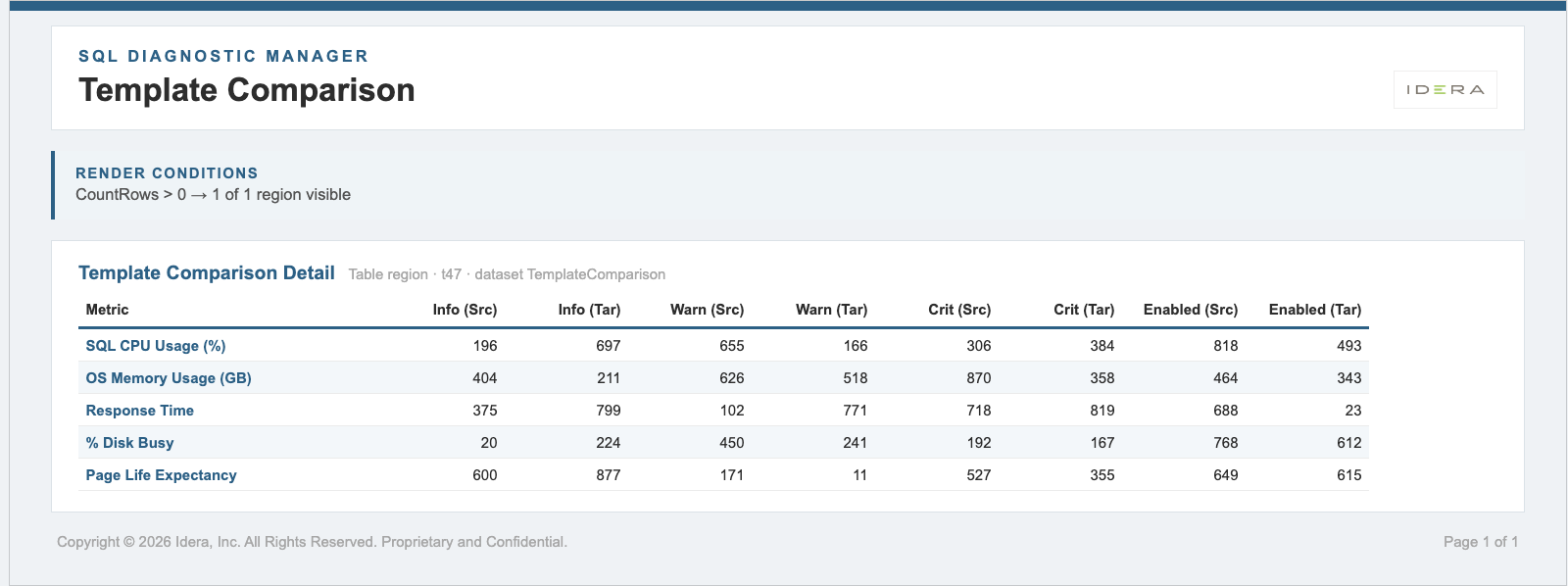
Five new enterprise-level reports let you analyze performance across a group of monitored SQL Servers at once, instead of opening each instance in turn.
The full reporting experience has been refreshed alongside them; navigation, catalogs, Monitor/Analyze/Plan reports, parameters, and drill-through views, for a cleaner, more consistent look across every report you run.
03
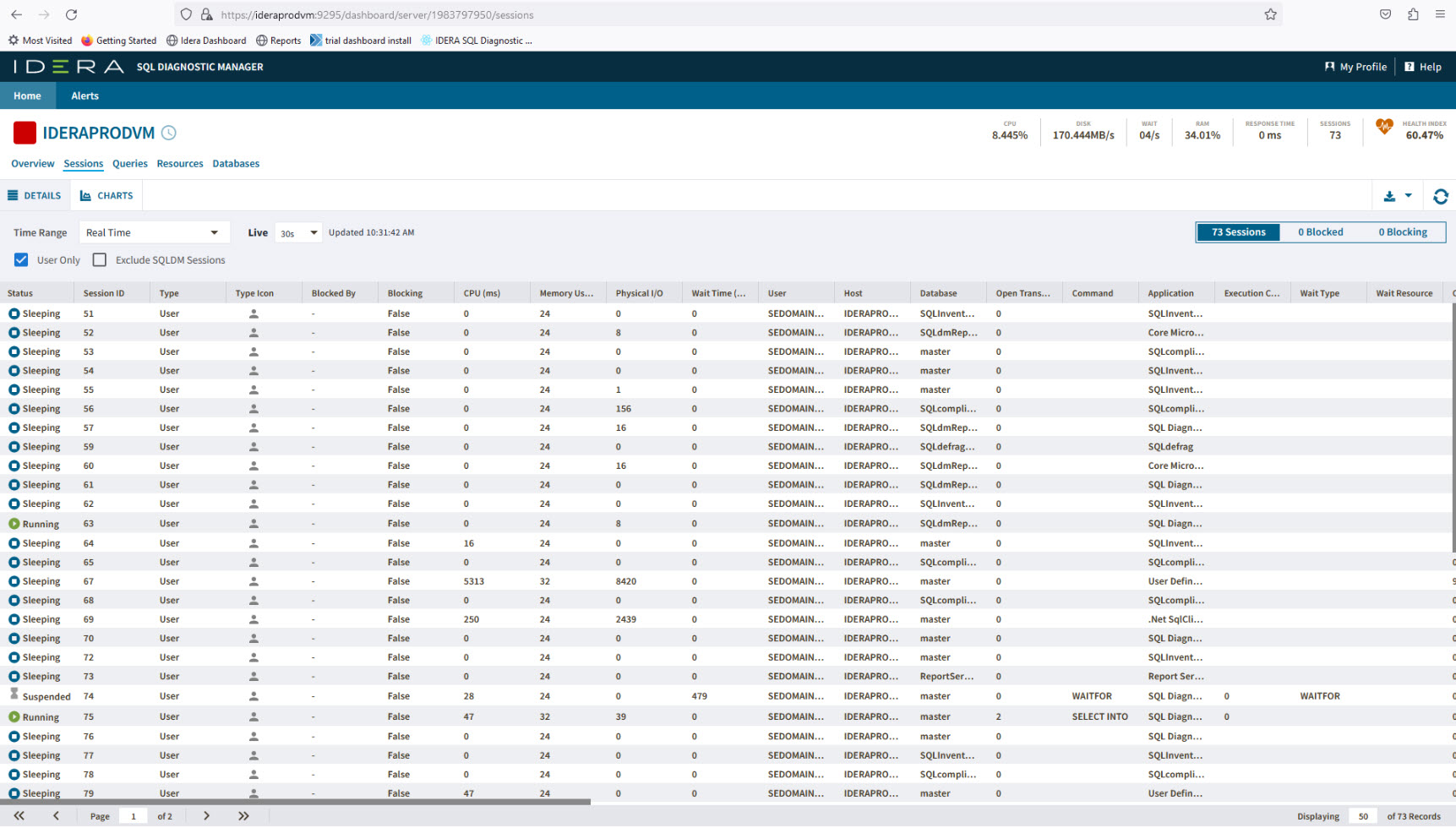
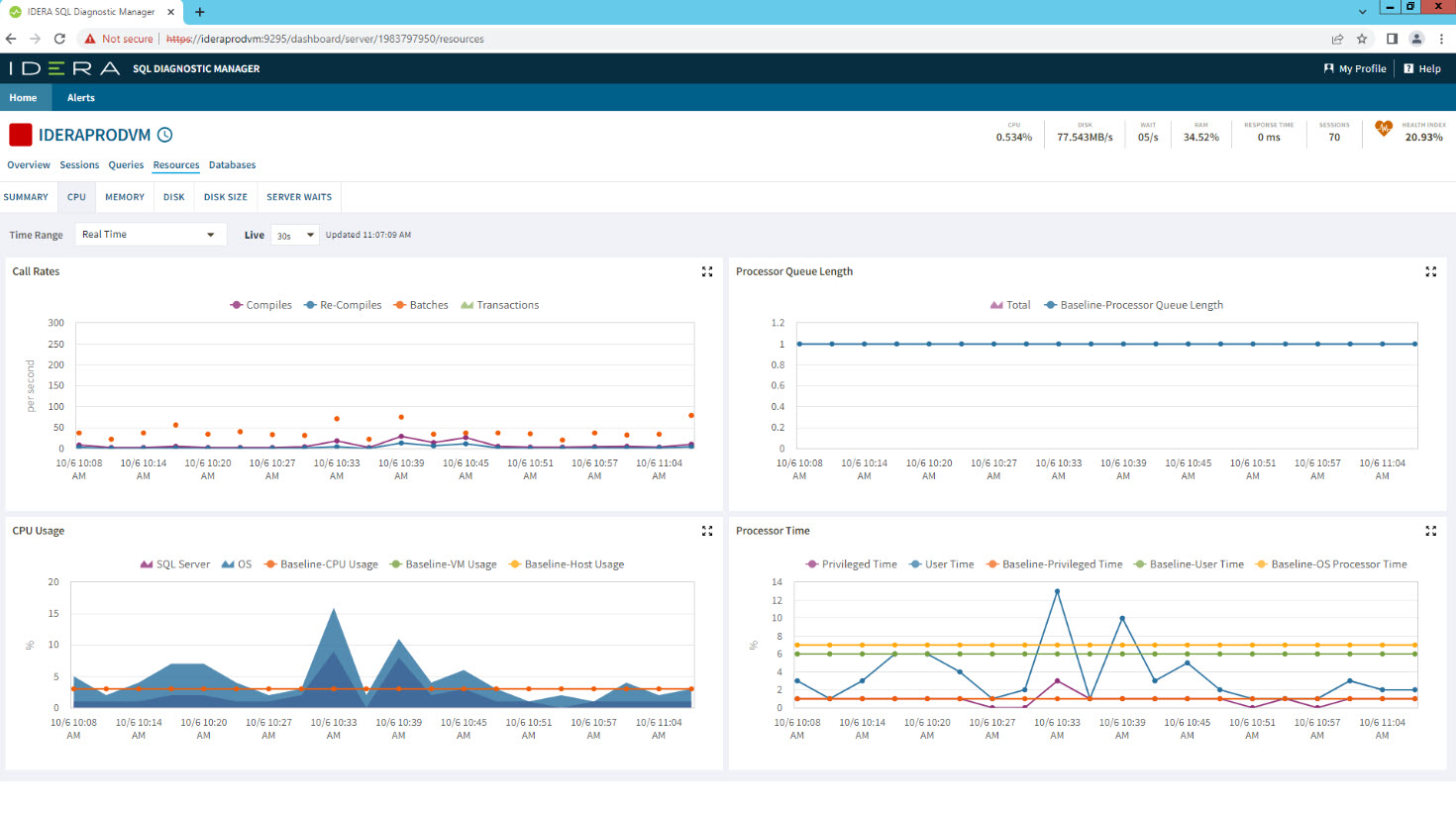
Watch a Server Live, From Any Browser
Real-time instance monitoring comes to the Web Console. Watch activity on an individual SQL Server as it happens, without waiting for the next collection cycle; one of the most-requested Windows Console capabilities, now part of the web experience.
Alongside it, meaningful usability and data-display improvements across Queries, Sessions, Lock Waits, Lock Statistics, and Database Statistics make the Web Console more dependable for day-to-day work.
For teams working from macOS, sharing a link to a live view instead of a screenshot, or skipping a Remote Desktop session just to check one server, this is the release where the Web Console becomes a first-class way to work.
04
Everything About a Database, in One Place
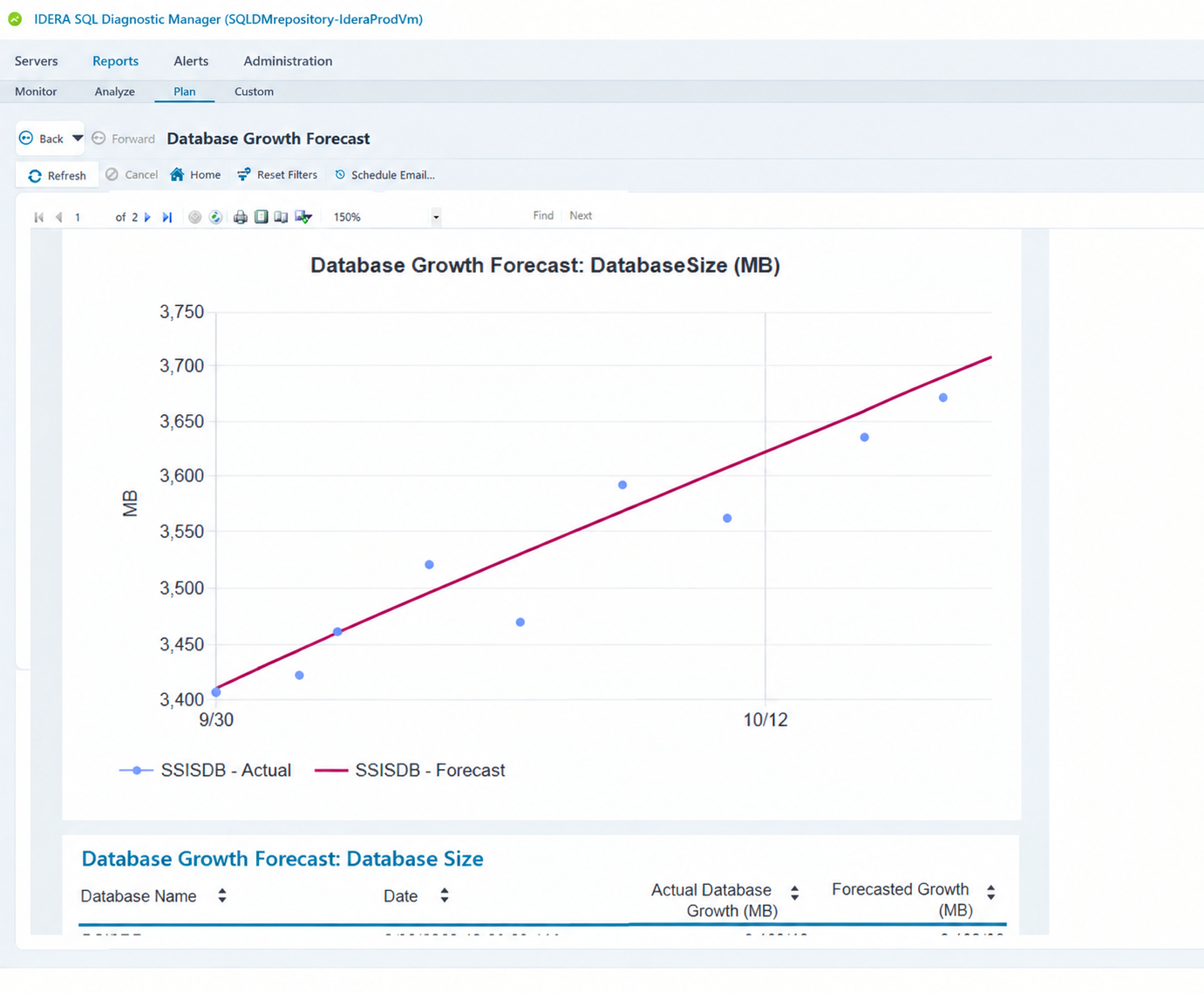
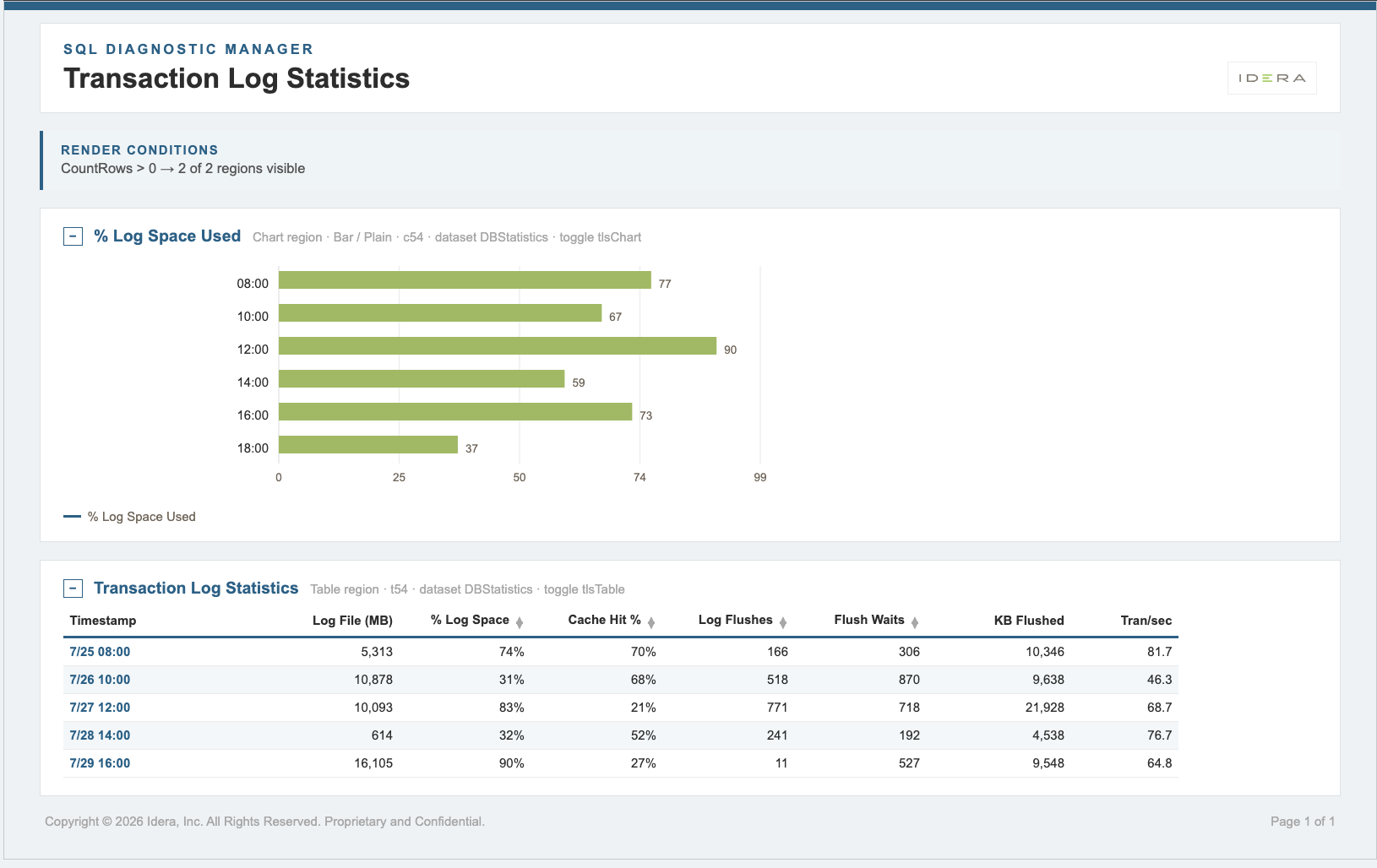
The Databases experience has been substantially expanded. Select a database and move through a connected set of views built for real investigation:
Every tab includes a database selector and refresh control, so you can move between databases without losing your place.
05
Less Setup. Less Noise. Less Administrative Overhead.
What Early Reviewers Are Telling Us
Ahead of release, we walked the new experience through with DBA teams at enterprise organizations across banking, manufacturing, technology, and financial services.
The response has been consistent: cleaner, more modern, and easier to navigate — without feeling like a different product. The most common theme was Query Monitor, where teams said having key troubleshooting information brought together made problems faster to spot and faster to investigate.
That’s exactly the balance 14.3 was built to strike.
What’s All The Excitement About?
SQL Diagnostic Manager 14.3 brings together the depth, breadth, and reliability DBAs have trusted for over twenty years — with a modernized experience across every area they use most.
- NModernized Windows Console, including an updated dark theme
- NFive new enterprise-level reports and a refreshed reporting experience
- NReal-time instance monitoring in the Web Console
- NExpanded database monitoring across summary, files, backup, tables and indexes
- NConfiguration templates, smarter defaults, multi-year licensing, and a modernized installer
More than twenty years of SQL Server expertise. A brand-new way to experience it.